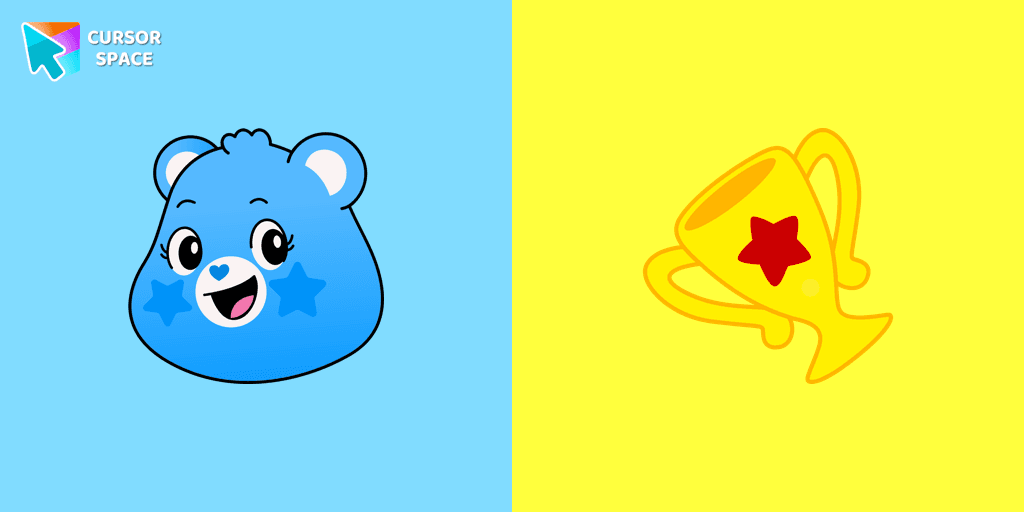

Champ Bear Cursor
Description
The Champ Bear custom cursor is the perfect way to add motivation and charm to your browsing experience. As one of the beloved Care Bears cursors, Champ Bear stands out with his blue fur and signature trophy Belly badge, symbolizing determination, perseverance, and a winning attitude. Whether you're tackling a big project, gaming, or simply exploring the web, this cute and animated cursor will remind you to stay strong and focused.
With the Champ Bear cursor for Google Chrome, you can replace your standard mouse pointer with something fun, colorful, and inspiring. It's a great addition to your cursor collection, especially for fans of cartoon cursors and kawaii cursors. The Care Bears-themed cursor is easy to install, making it simple to download a unique cursor and customize your browsing experience with a custom mouse pointer that reflects your positive mindset.
Upgrade your browsing style with the Champ Bear custom pointer for Chrome and let every click be a reminder of resilience and success. Install this cute mouse pointer today and bring the champion spirit to your screen
What's included in the package
- Default Cursor
- Pointer (Hand)
How to install a custom cursor pack Champ Bear Cursor
Install the Cursor Space extension for Chrome or Cursor Space for Edge in your browser.
On this page, click "Add this cursor pack to the extension".
Open the extension and go to the Packs tab.
Find the custom cursor pack "Champ Bear cursor" and click it.
Enjoy!
Ready to install?
Get this cursor pack and thousands of others by installing our extension. It's fast and free!
About this cursor pack
Champ Bear Cursor is a themed cursor pack you can add to your browser to personalize your pointer across common cursor states (default and pointer). Use it for everyday browsing, streaming, studying, or gaming-anywhere you want your cursor to match your vibe.
Instant preview
See how the cursors look before installing.
Easy install
Add the pack to the extension in a few clicks.
Works in your browser
Designed for Chrome and Edge via the extension.
FAQ
Quick answers to common questions about cursor packs, collections, and installation.
Do I need an extension?
Yes. To apply cursor packs in Chrome or Edge, install the Cursor Space extension and add this pack to it.
Which browsers are supported?
Cursor packs are designed for Chromium browsers like Chrome and Microsoft Edge.
How do I switch back to the default cursor?
Open the extension, choose another pack or disable the current one to return to your default cursor.
Popular cursors today
Custom cursor and packs - neon, anime, pixel art. Quickly add to Chrome and Microsoft Edge for free
Top 1 Top 2 
Sonic the Werehog cursor
1FreeInstall the Sonic the Werehog cursor from our Sonic the Hedgehog custom cursor collection.
Top 3 
Darkspine Sonic cursor
2FreeFeel the speed of a Darkspine as you navigate a web page, using it as a custom cursor and a pointing device.
Tsunade cursor
0FreeWell-designed Tsunade cursor for mouse will be loved by Naruto fans. There is a custom cursor with Katsui and Tsunade as a hover in a set of Naruto cursors for Chrome.
My Melody cursor
2FreeWe are glad to present this elegant custom cursor with My Melody from the adorable custom cursors collection for the mouse and pointer Hello Kitty.

The Sun cursor
1FreeThe Sun is one of the stars in our Galaxy and the only star in the Solar System. A well-designed custom cursor in the form of a burning meteorite, from our fantastic Solar System cursors collection with planets and space.
Shalnark cursor
0FreeIf you want to change the default cursor to Shalnark, you are welcome to our collection of cursors Hunter × Hunter in a variety of moods.
Doctor Eggman cursor
1FreeAdd Doctor Eggman cursor in the collection of custom cursors for the browser.
Bat cursor
1FreeCustom cursor with a bat that was created especially for the Halloween event. Bat cursor will change the usual cursor for the mouse to a cute one.
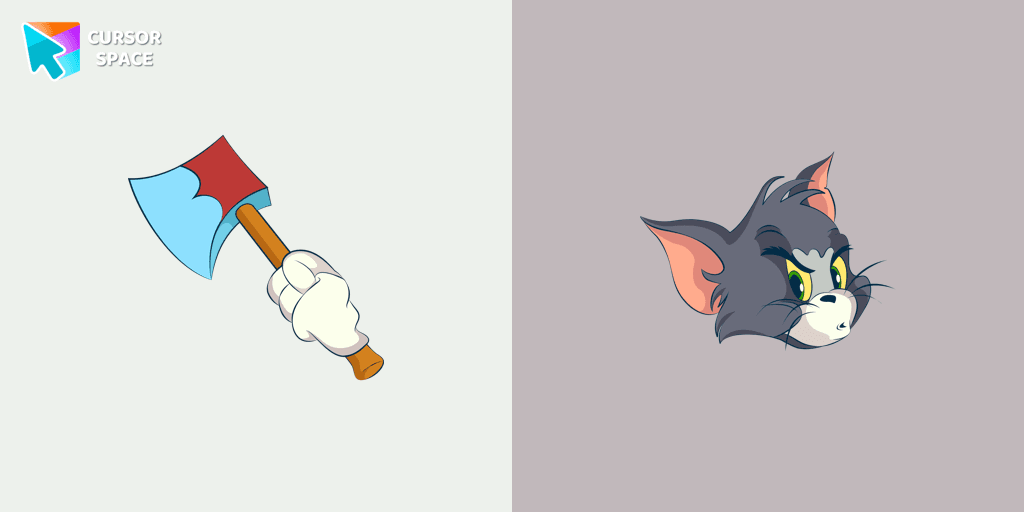
Angry Tom cursor
110FreeBring the iconic Tom cat to your screen with this custom cursor for Google Chrome. Get the angry Tom cat cursor from the Tom & Jerry collection today!
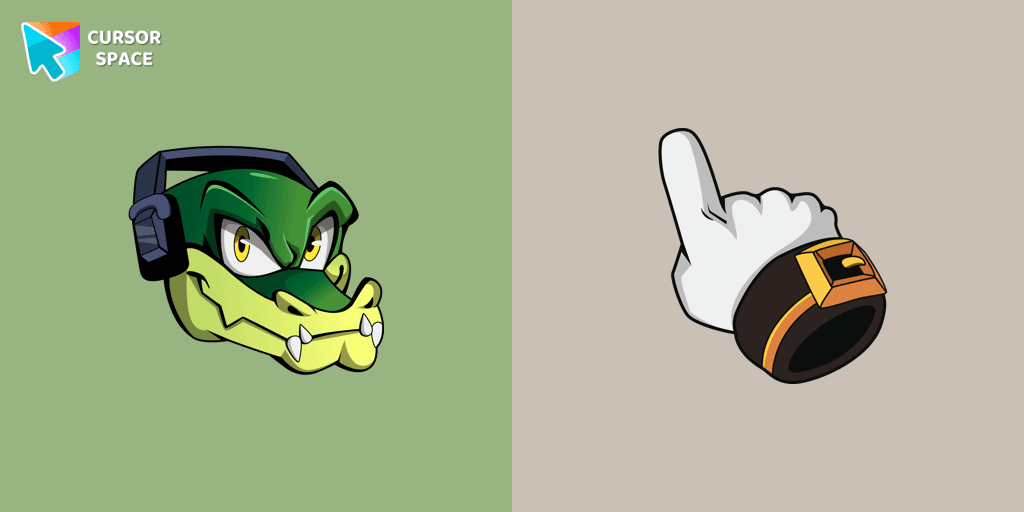
Vector the Crocodile cursor
1FreeCustom cursor with Vector is a good opportunity to change the usual mouse to the fun cursors.
Collection hits
Installation leaders from "Care Bears": free packs, neon/anime/pixel art, quick add to Chrome and Edge.
Top 1 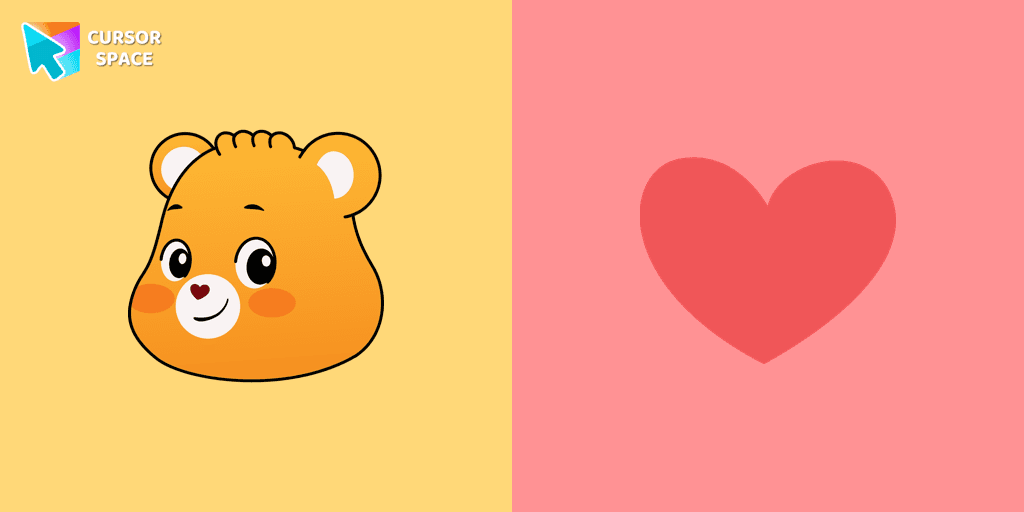
Top 2 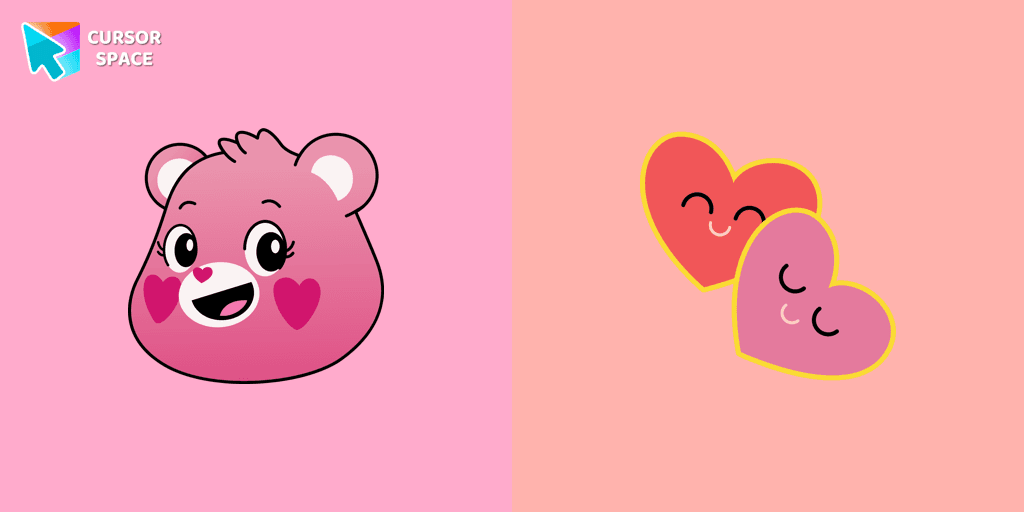
Love-A-Lot Bear cursor
475FreeThe Love-a-lot Bear custom cursor from our custom cursors collection for Chrome.
Top 3 
Take Care Bear cursor
231FreeFeaturing the iconic Care Bears character, this cursor adds a touch of charm and nostalgia to your screen.
Smart Heart Bear cursor
135FreeSmart Heart Bear custom cursor for the mouse is a pretty character in a Care Bears cursor collection for Chrome.
True Heart Bear cursor
133FreeThe True Heart Bear custom cursor brings charm and nostalgia to your browsing. Enjoy this adorable custom cursor for Google Chrome featuring the iconic Care Bears character.
Always There Bear cursor
94FreeStay Connected with the Always There Bear Cursor - A Trustworthy Companion

Grumpy Bear cursor
0FreeGrumpy Bear cursor for mouse and pointer in a terrific custom cursors collection for Chrome with Care Bears.
Harmony Bear cursor
0FreeA fun Harmony Bear as a custom cursor for mouse and pointer with which we can spend many hours of fun.
Good Luck Bear cursor
0FreeCare Bears for Chrome cursor set has a custom cursor Good Luck Bear as a pointing device.

Bedtime Bear cursor
0FreeBedtime Bear custom cursor for the mouse is a pretty bear in a Care Bears cursor collection for Chrome.
Install Cursor Space - A Collection of Custom Cursors for Chrome & Edge
Add packs instantly and unlock access to thousands of cursors: neon, anime, pixel-art, and more. Fast, safe, and free.
- Free cursor packs
- HD/HiDPI & animated icons
- Quick browser installation
Cursor Space is an extension for changing your mouse cursor in Chrome and Edge browsers: themed collections, HiDPI icons, neon, animated, and pixel cursors, with quick installation.